Thank You!
You’re officially registered for CO₂ Field Troubleshooting.
We’re excited to have you inside the training. This course will walk you through practical CO₂ field topics like condensing units, common system mistakes, rack conditions, installation, commissioning, and callback prevention.
What Happens Next?

Start Here:
✅ Step 1: Download the Kajabi App
For the best learning experience, download the Kajabi app so you can access your training from your phone.
📱 Apple:
https://apps.apple.com/us/app/kajabi/id1485646310
🤖 Android:
https://play.google.com/store/apps/details?id=kajabi.kajabiapp
You can also access the training from your desktop browser.
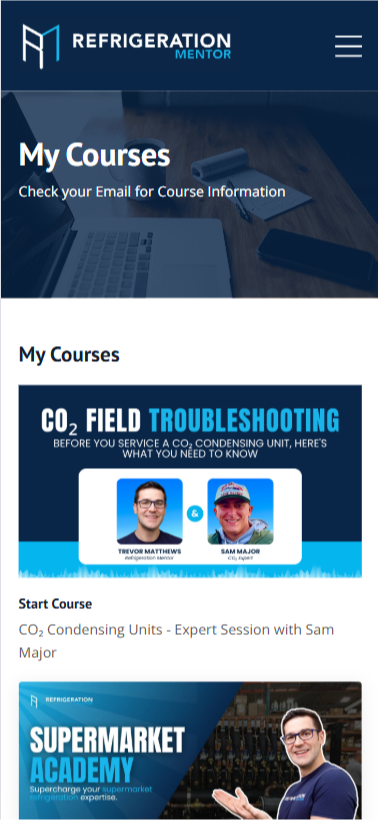
✅ Step 2: Log In To Your Course Library
Access your training here:
https://refrigerationmentor.mykajabi.com/login
Once you log in, look for:
CO₂ Field Troubleshooting
Start with the first lesson and work through each expert session at your own pace.
✅ Step 3: Join The RM Hub
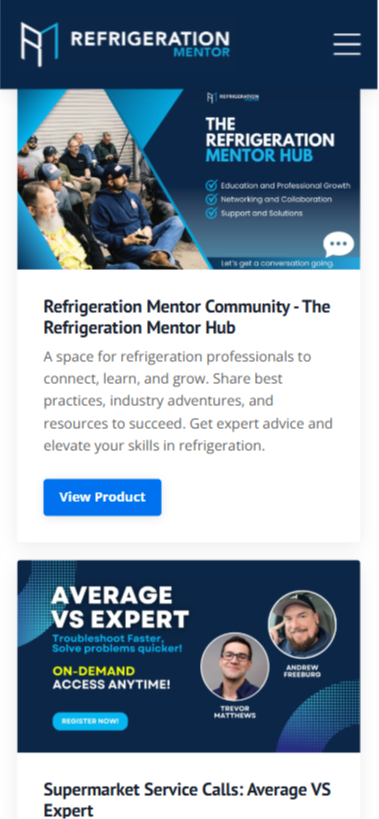
If you haven’t joined the Refrigeration Mentor community yet, join here:
https://refrigerationmentor.com/hub/
The RM Hub is a great place to stay connected, keep learning, and be part of the Refrigeration Mentor community.
PS: Did You Add Introduction to CO₂ Live?
If you added Introduction to CO₂ Live to your purchase, check your email for a separate confirmation with your training details.
Inside that email, you’ll find your Kajabi access instructions, live training details, and next steps for the Introduction to CO₂ Live Training Program.
Need Assistance?
Emails may be delayed during this busy weekend. If you don’t receive your confirmation or can’t access your account, reach out to support@refrigerationmentor.com or julia@refrigerationmentor.com and we’ll help you right away.
We’re excited to have you with us and look forward to seeing you succeed.